
Concept visualization
Interior Color Changes for Renovation Planning
A color concept helps a seller, buyer or contractor talk about a repaint with a picture in front of them. It is a planning image. It is not a photo of the property as it stands today.
Available

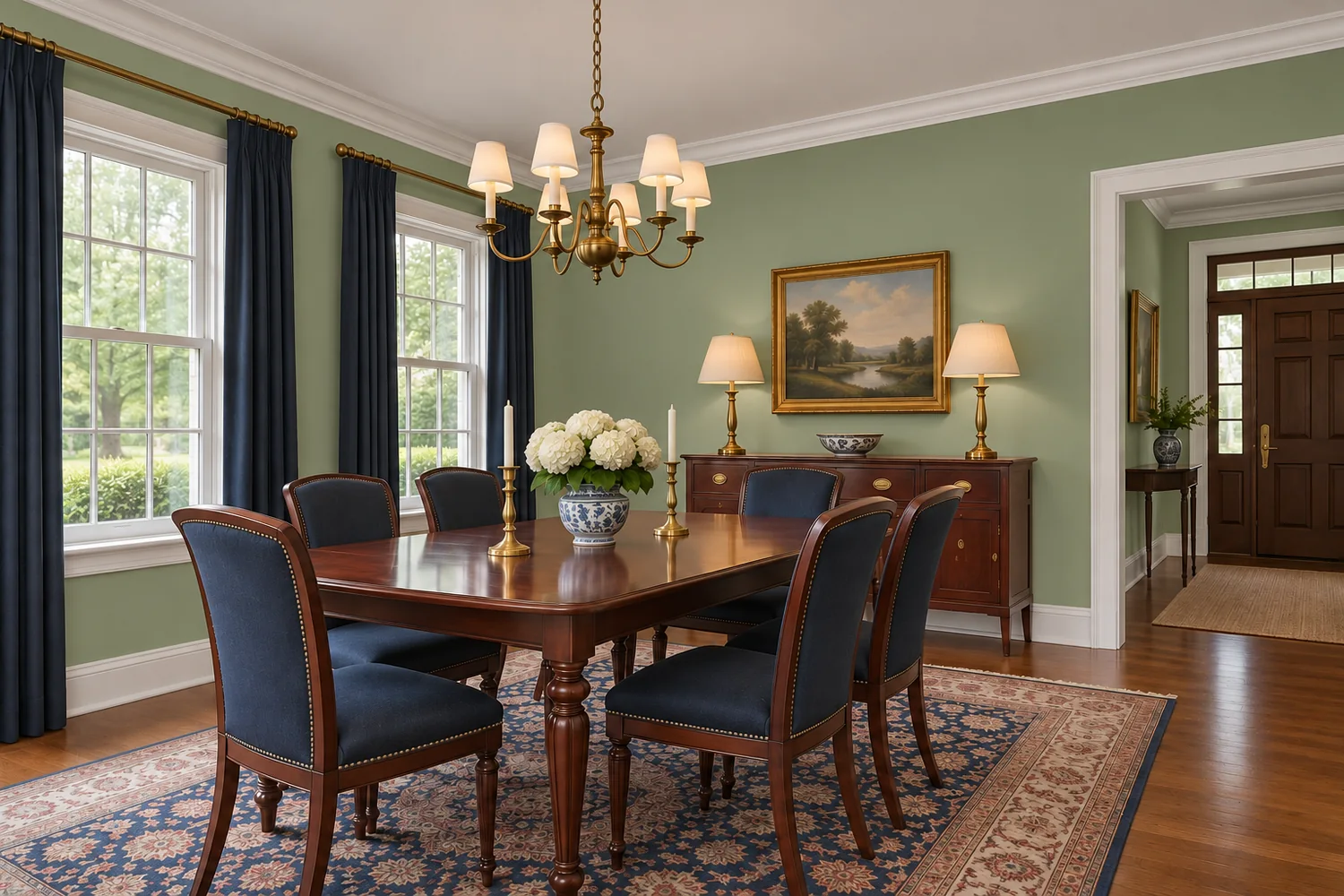 Before After
Stellar MLS listing use Not for Stellar listing photos
The Stellar photo rules list "Change paint colors" under interior items you cannot do. Article 04.04 also prohibits altering permanent fixtures, which would reach cabinets.
Source: Stellar MLS photo rules page, read November 5, 2026. Other MLSs differ. This is not legal advice, and it is not a promise that an image will be accepted.
What is included
- Concept color on walls, trim or cabinets
- Matched light and shadow on the new color
What is not
- Use as a Stellar MLS listing photo
- Any claim that the home has been painted
- Color matching to a specific paint product
Fit
Who this suits
- Sellers deciding whether to repaint before listing
- Agents advising on pre-listing improvements
- Buyers planning changes after closing
Photos that work best
- Even light with minimal color cast
- Clear edges between walls, trim and cabinets
- A note of the colors to compare
Workflow
What happens
You describe the decision the image needs to support.
You confirm the intended use, and that it is not a listing photo.
The concept color is applied to the areas you selected.
The image is delivered and clearly identified as a concept.
Questions
About interior color changes
Could I show this image to a buyer?
Only if it is plainly presented as a concept and not as the home's condition. Check with your broker before using it in any marketing.
What if the home is really being repainted?
Photograph it after the work is done. Stellar's rules do not list an exception for planned paint.
Related services






Ask about interior color changes
Explore how virtual staging and careful image presentation can help communicate what a property offers.
Send your photos and requirements for a written quotation.