
Listing photo edit
Photo Enhancement for Real Estate Listing Photos
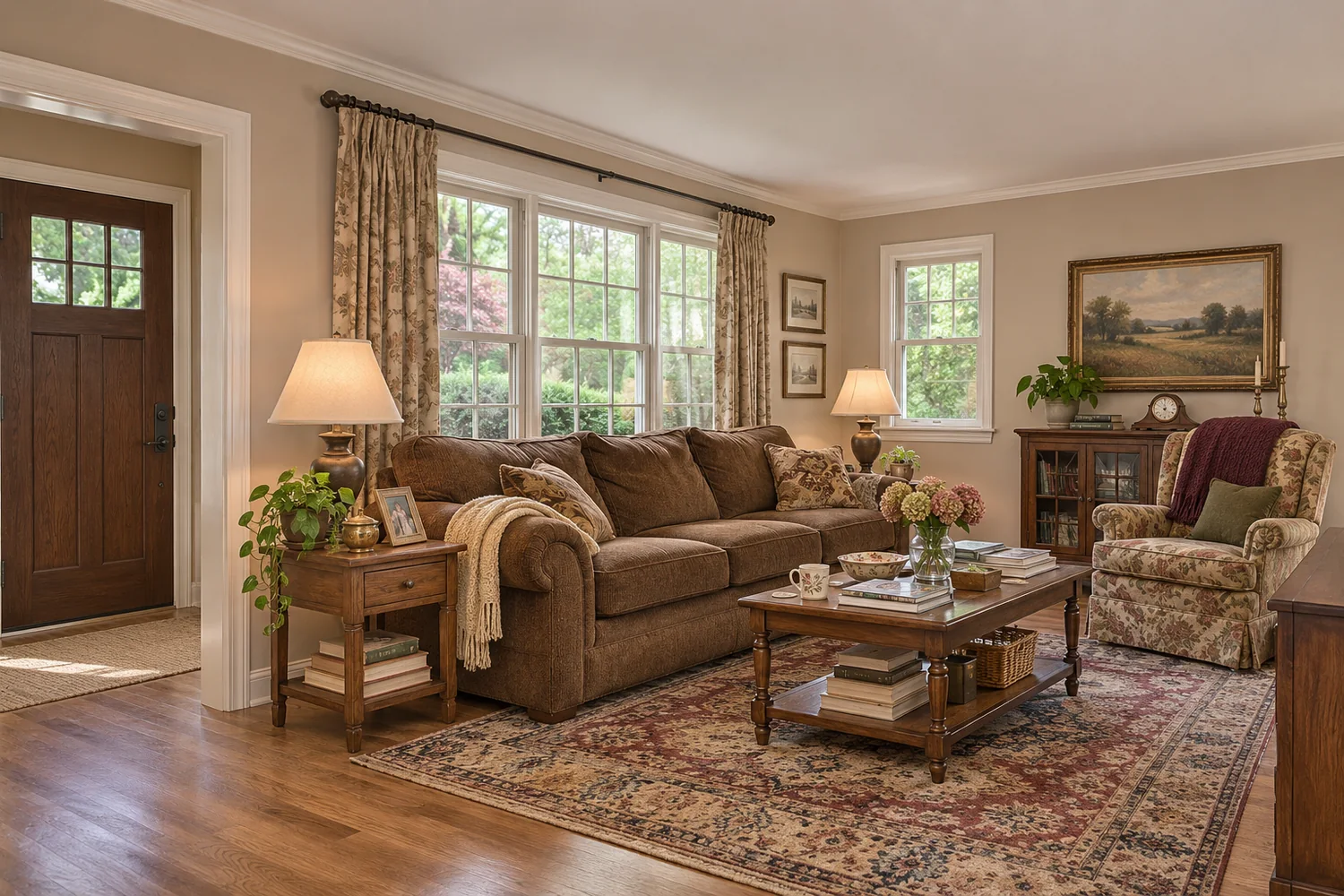
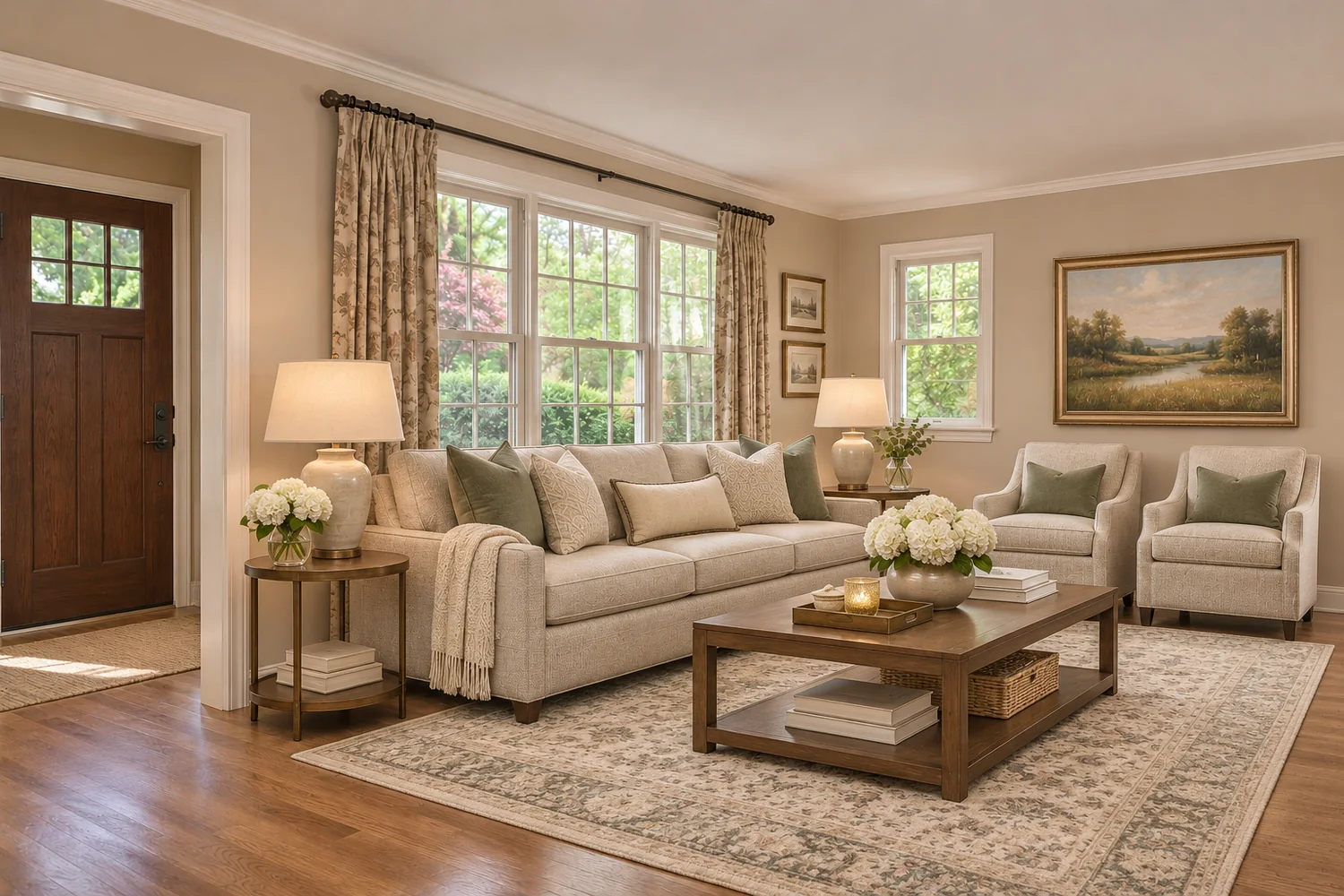
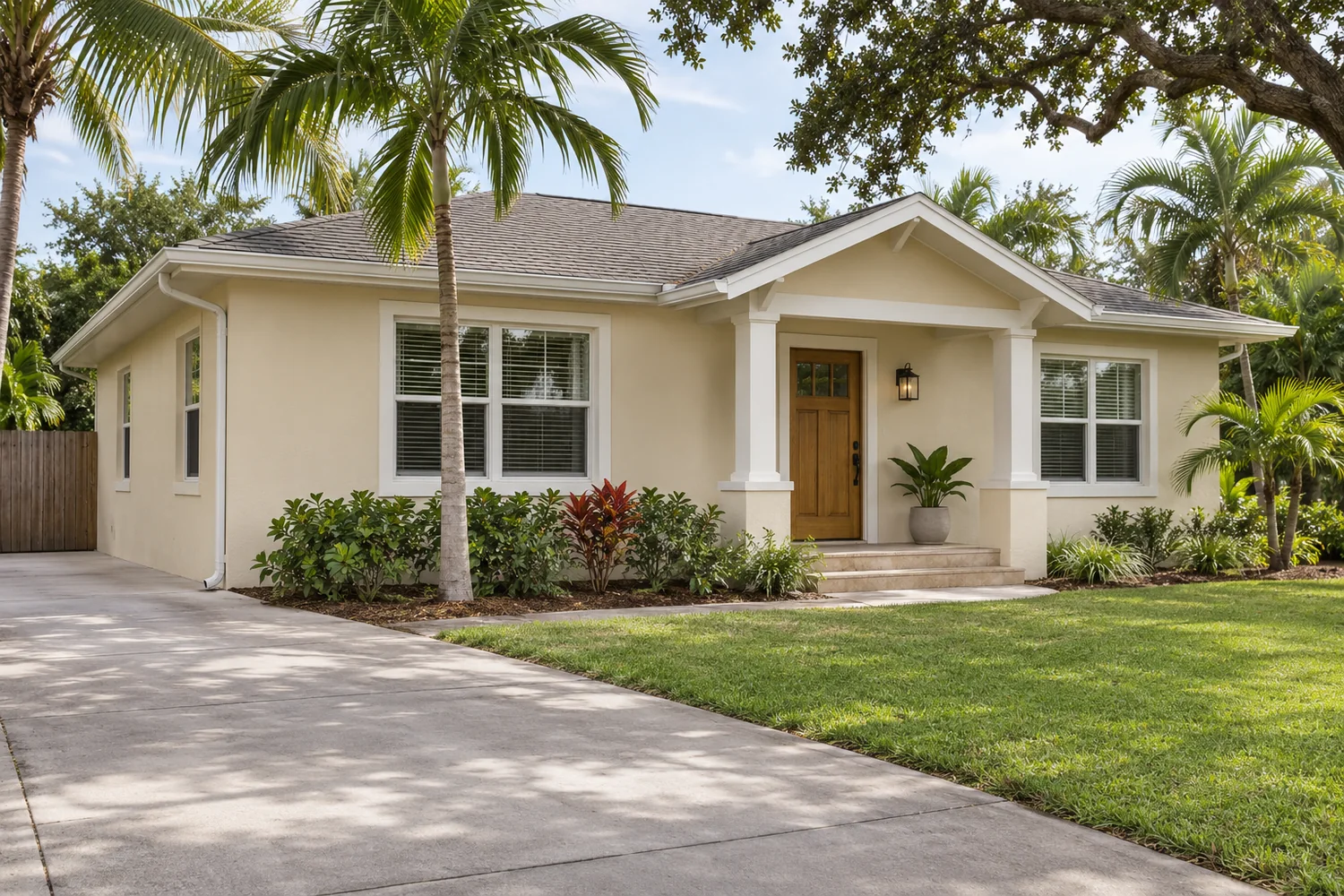
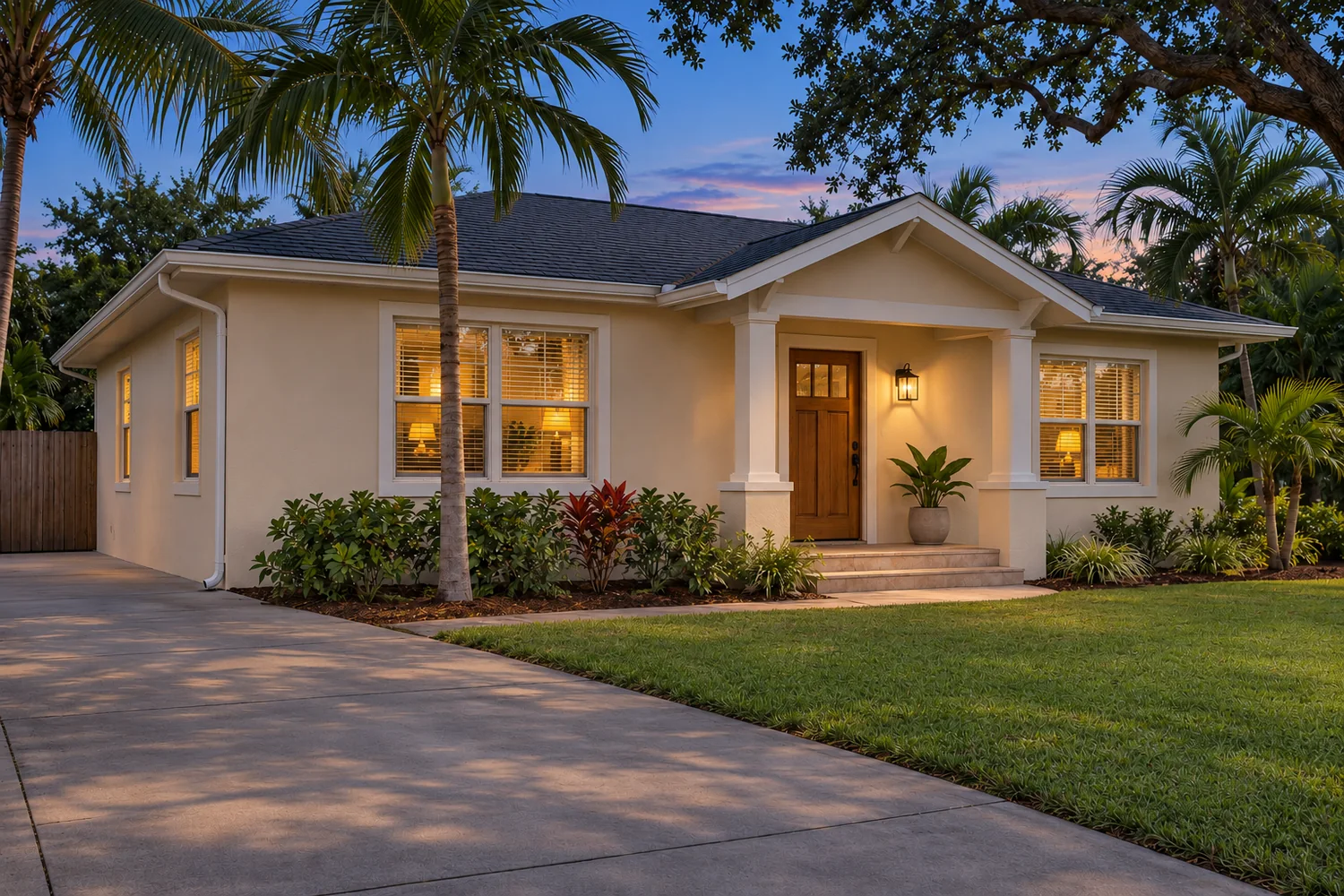
Enhancement fixes the camera, not the property. It corrects dark rooms, color casts and tilted lines so a phone or point-and-shoot photo shows what you actually saw in the room.
Available

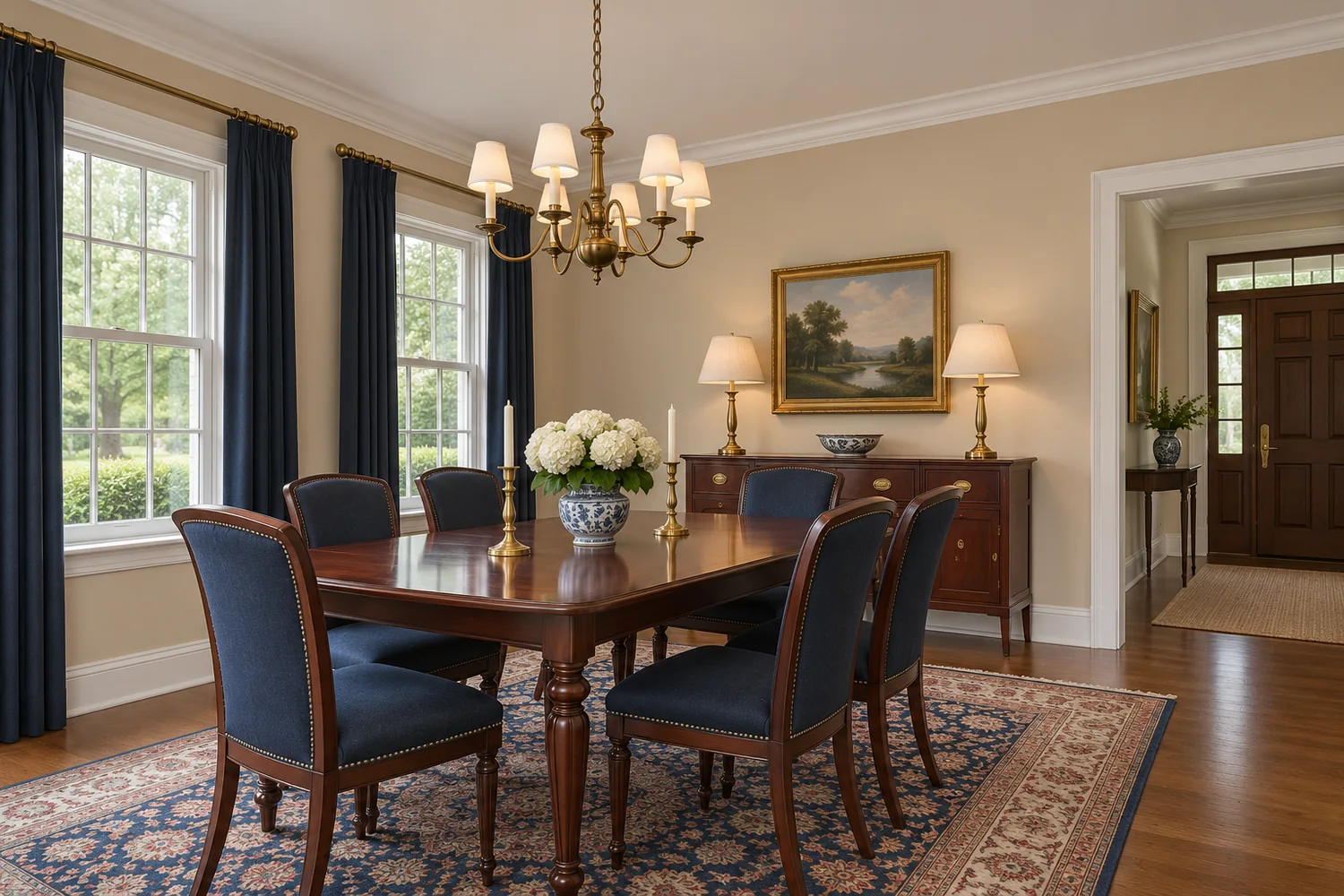
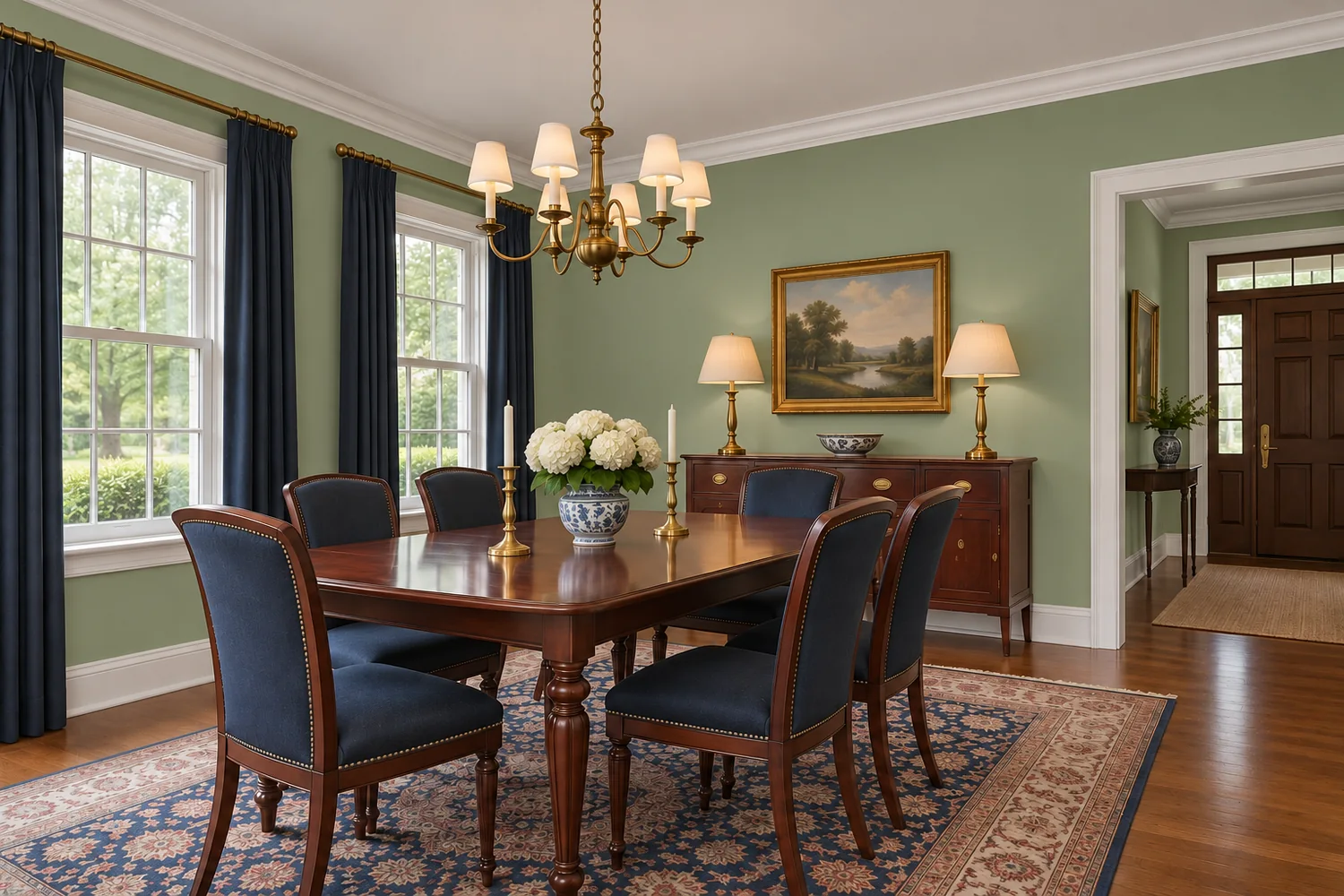
 Before After
Stellar MLS listing use Basic brightening is allowed
The Stellar photo rules list "Brighten underexposed photos" under interior items you can do. Other adjustments are not listed individually. All photos must remain a true and accurate picture of the property. The virtually staged disclosure is written for staging, and Stellar's pages do not say it applies to basic corrections.
Source: Stellar MLS photo rules page, read November 5, 2026. Other MLSs differ. This is not legal advice, and it is not a promise that an image will be accepted.
What is included
- Exposure and brightness
- White balance and color correction
- Straightening and cropping
What is not
- Sky replacement
- Removing objects, fixtures or defects
- Changing the color of walls, floors or the lawn
- Adding a view
Fit
Who this suits
- Agents shooting their own photos
- Listings with dark interiors
- Photos with a color cast or tilted verticals
Photos that work best
- The largest file you have
- A steady shot, in focus
- Photos not already heavily filtered
Workflow
What happens
You send the original files.
Exposure, color and lines are corrected.
The image is checked against the original for truthful color.
You receive the corrected image.
Questions
About photo enhancement
Will you replace a gray sky?
Not under this service. Sky changes alter how the property is represented, so they are kept out of basic enhancement.
Can you fix a very blurry photo?
Often not well. Reshooting usually gets a better result than trying to rescue a blurry file.
Related services
Ask about photo enhancement
Explore how virtual staging and careful image presentation can help communicate what a property offers.
Send your photos and requirements for a written quotation.